Your robot vacuum has mapped your home, learned your cleaning schedule, and saved you hundreds of hours. Now it sits in a corner, fully retired, and you’re wondering what to do with it. Tossing it in the trash is tempting, but recycling a robot vacuum takes a bit more thought. These devices contain lithium-ion batteries, circuit boards, and plastics that can harm the environment when landfilled.
The good news is you have plenty of responsible options. From manufacturer trade-in programs that pay you up to $195, to free retailer drop-offs and local e-waste centers, there’s a method that fits your situation. This guide covers every step, so you can recycle safely, protect your data, and possibly earn credit toward your next robot.
Use iRobot’s Trade-In Program for Credit Up to $195
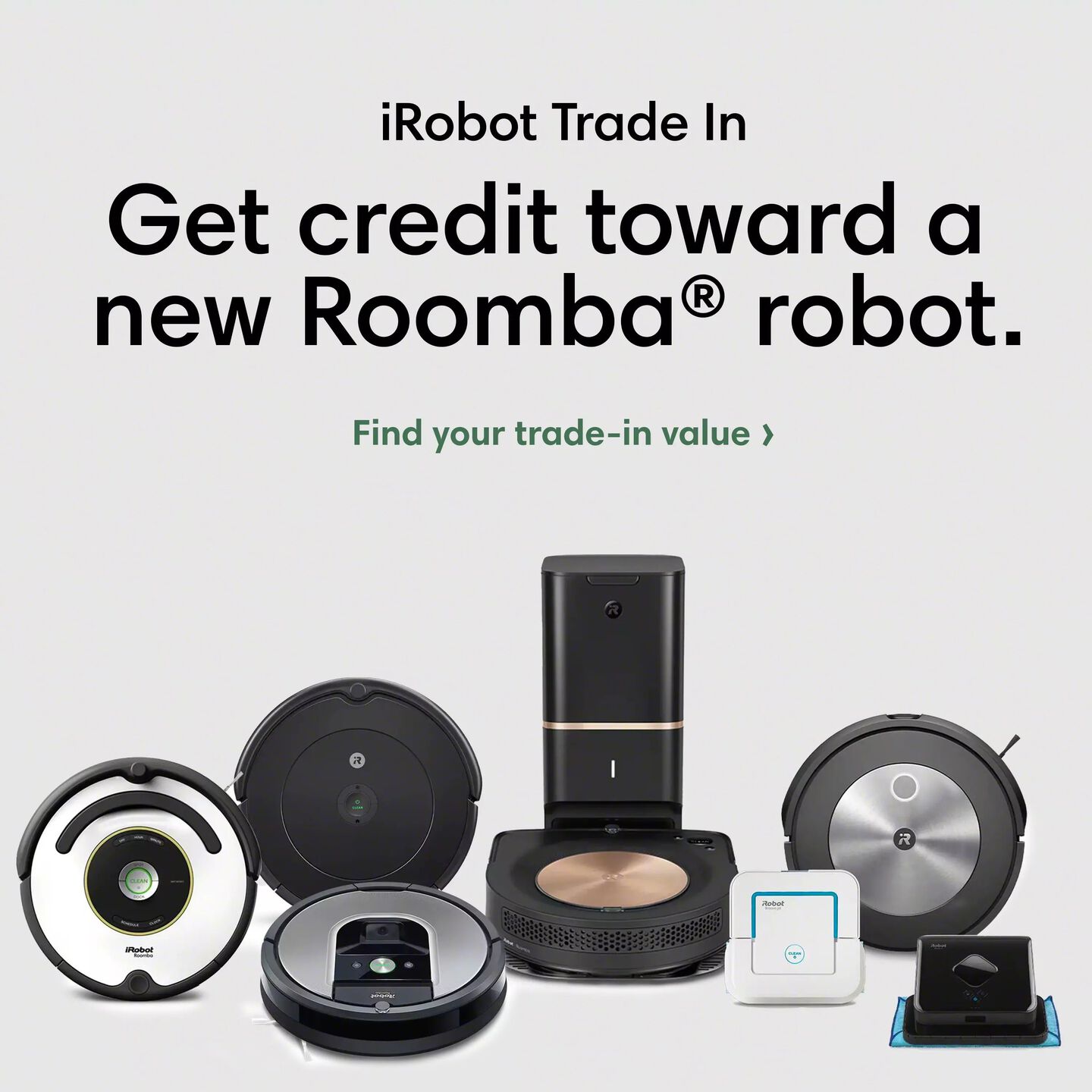
If you own a Roomba or Braava, the iRobot Trade-In Program is the most rewarding path. You send in your old robot and receive credit toward a new purchase, with iRobot handling the recycling for you.
Check Which Credit Tier Your Model Falls Into
iRobot groups eligible models into five tiers based on value. The newer or more advanced your robot, the more credit you’ll earn. Here’s a quick look at the top tiers:
- Tier 4 (up to $125): Roomba 775, s9, Roomba Combo j7
- Tier 5 (up to $195): Roomba Combo 10 Max + AutoWash™ dock, 705 Combo, Roomba Combo j9
Lower tiers still offer $25 to $75 for older or entry-level models. Credit goes back to your original payment method once iRobot receives and inspects your device.
Follow the 3-Step Trade-In Process
- Get your estimate: When buying a new Roomba or Braava, use the trade-in tool at checkout to see your potential credit.
- Ship your old robot: iRobot sends you a free pre-paid shipping label. Pack the device and drop it off.
- Receive your credit: After iRobot verifies the model and condition, the credit is issued.
If the model doesn’t match what you entered, iRobot will email you with next steps before adjusting anything.
Know What’s Not Eligible
Some iRobot products can’t be traded in. Excluded items include:
- iRobot Select membership robots
- iRobot Education robots
- Clean Base® Automatic Dirt Disposals
- Aeris or Klaara air purifiers
- Accessories and refurbished units
If you financed your robot, pay off the balance before sending it in.
Drop Off Your Robot Vacuum at Best Buy for Free
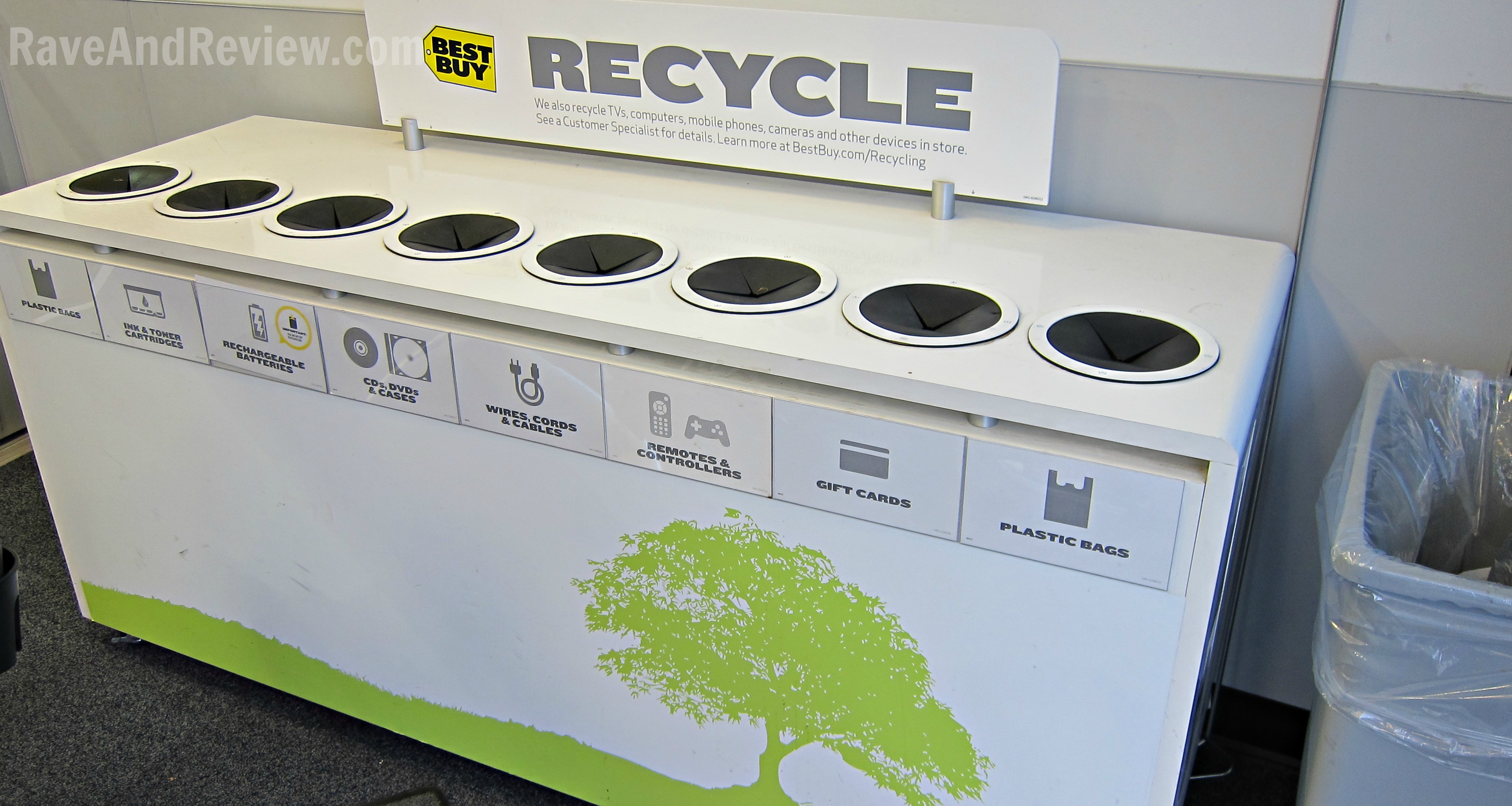
Best Buy accepts robot vacuums for free recycling at nearly all U.S. locations. No purchase is required, and the process is quick.
Bring Up to 3 Robots Per Day to Any Store
Robot vacuums fall under the Home & Appliances category. The rules are simple:
- Limit of 3 items per household per day
- Works for any brand, including Roomba, Eufy, Roborock, and Shark
- No fees and no receipt needed
Just bring your robot to the recycling kiosk near the store entrance. You don’t need the original packaging, but keep the device clean and dry.
Use Haul-Away Services for Larger Jobs
If you’re clearing out multiple devices or can’t transport your robot easily, Best Buy offers haul-away options:
- $49.99 haul-away: Available when you buy a new product and have it delivered. Geek Squad® removes your old vacuum during the same visit.
- $199.99 standalone haul-away: No purchase required. Includes up to 2 large appliances plus unlimited small electronics.
Both services route items to licensed recycling partners for proper processing.
Follow Your Local E-Waste Rules
Many cities and states have specific e-waste laws. Tossing a robot vacuum in regular trash can result in fines, and in some states it’s outright illegal.
Find a Municipal Drop-Off Location
Start by checking your city’s waste management website. Many operate dedicated e-waste collection centers. For example:
- California: E-waste must go through certified recycling programs
- New Jersey: Free pickup is available for bulky electronics
- Tsukuba City, Japan: Drop off at the Tsukuba City Environmental Center or select recycling facilities
Call ahead to confirm accepted items and operating hours.
Schedule a Curbside Pickup if Available
Some areas hold special electronics collection events or offer bulk pickup days. Check your local waste calendar for:
- Electronics recycling events
- Household hazardous waste drives
- Bulk item pickup days
These services often accept robot vacuums alongside other small appliances.
Prepare Your Robot Before Recycling
A few minutes of preparation protects your data and makes the recycling process smoother for everyone involved.
Reset to Factory Settings
Robot vacuums store mapping data, Wi-Fi passwords, and cleaning schedules. Clear it all before recycling:
- Press and hold the Clean button for 10 seconds until the lights turn off
- Wait 10 seconds, then press Clean again to power back on
- Let the robot reboot fully
Neither iRobot nor recycling partners are responsible for data left on the device, so this step matters.
Remove the Battery if Possible
Lithium-ion batteries require special handling. If your model allows battery removal:
- Flip the robot over
- Open the battery compartment
- Gently detach the battery
Take the battery to a separate recycling drop-off. Best Buy, Home Depot, and Staples all accept loose batteries.
Clean and Package the Device
- Wipe down the exterior
- Empty the dustbin
- Reinstall the brush and filter
- Place in the original box or a sturdy container
A clean, well-packed robot is easier to process and less likely to be damaged in transit.
Donate or Resell if the Robot Still Works
If your vacuum still runs, extending its life is the greenest option. Donation and resale keep functional devices out of the waste stream entirely.
Donate to Local Organizations
Many groups welcome used electronics. Consider reaching out to:
- Local shelters or community centers
- Schools with robotics or STEM programs
- Senior centers or assisted living facilities
Call ahead to confirm they accept robot vacuums before dropping anything off.
Sell or Give Away Online
List your robot on platforms like Mercari, Facebook Marketplace, Craigslist, or eBay. Mention whether it’s been factory-reset and include any accessories. Even non-working models can attract hobbyists who enjoy repairs.
Compare Your Recycling Options
Here’s how the top methods stack up:
| Option | Cost | Credit? | Convenience | Best For |
|---|---|---|---|---|
| iRobot Trade-In | Free (pre-paid label) | Up to $195 | High | iRobot owners upgrading |
| Best Buy Drop-Off | Free | No | High | Any brand, quick recycle |
| Best Buy Haul-Away | $49.99–$199.99 | No | Very High | Multiple items or no transport |
| Municipal Drop-Off | Varies | No | Medium | Local compliance |
| Donation or Resale | Free | Possible earnings | Medium | Functional units |
Choose based on your location, device condition, and whether you want a financial return.
Understand State Recycling Laws
Many U.S. states require manufacturers to fund e-waste recycling, and several ban electronics from landfills outright. A few highlights:
- California: No drop-off fees and strict e-waste laws
- Pennsylvania, Wisconsin, Michigan: $29.99 fee for TVs and monitors, with a $30 Best Buy gift card as reimbursement
- Texas: Free recycling through TexasRecyclesComputers.org
- Oregon: Call 1-888-532-9253 (E-Cycles)
- New Jersey: Free pickup for bulky e-waste
- Washington: E-Cycle Washington program
Best Buy partners with MRM Recycling in several states to support these programs.
Avoid Common Recycling Mistakes
Good intentions can still go sideways. Watch out for these pitfalls:
Skipping the Data Reset
Your robot knows your floor plan and Wi-Fi credentials. Always factory-reset before recycling to protect your privacy.
Tossing Batteries in the Trash
Lithium-ion batteries can overheat and catch fire in landfills. Remove and recycle them separately every time.
Assuming All Retailers Accept E-Waste
Only a few major chains take small electronics. Best Buy and Staples are reliable options, but Walmart and Target generally do not.
Ignoring Business Recycling Rules
Most retail programs are for residents only. Businesses need to use commercial e-waste services instead.
Maximize Your Environmental Impact
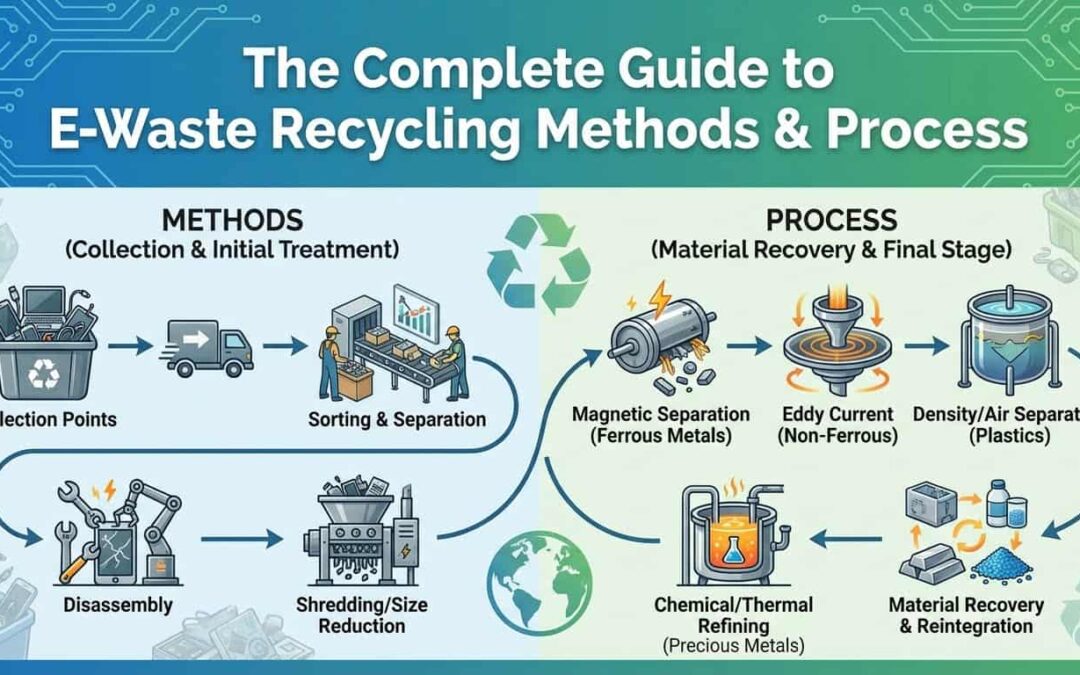
Recycling isn’t just about compliance. A single robot vacuum contains:
- Aluminum and steel that can be reused in new products
- Plastics that can be remolded
- Copper wiring with high recycling value
- Lithium and cobalt critical for new batteries
Sending these materials back into the supply chain reduces mining demand and cuts pollution.
Frequently Asked Questions About Recycling Robot Vacuums
Can I recycle a robot vacuum at Best Buy for free?
Yes. Best Buy accepts robot vacuums in the Home & Appliances category at no cost. The limit is 3 items per household per day, and any brand qualifies.
What does iRobot’s Trade-In Program pay?
The program offers up to $195 in credit toward a new Roomba or Braava, depending on your model. Credit tiers range from $25 for older units to $195 for premium models like the Roomba Combo 10 Max.
Should I remove the battery before recycling my robot vacuum?
Yes, whenever possible. Lithium-ion batteries require special recycling and should never go in the trash. Take the removed battery to a drop-off at Best Buy, Home Depot, or Staples.
How do I factory-reset a robot vacuum before recycling?
Press and hold the Clean button for 10 seconds until the lights turn off. Wait 10 seconds, then press Clean again. Let the robot reboot fully to clear stored data.
Can I donate a working robot vacuum?
Absolutely. Local charities, schools, community centers, and senior facilities often accept used electronics. Call ahead to confirm they’re taking robot vacuums before dropping one off.
Is it illegal to throw a robot vacuum in the trash?
In several U.S. states, yes. Wisconsin, Washington, and Vermont ban electronics from landfills entirely. Many other states regulate e-waste disposal through certified programs. Check your local rules to avoid fines.
Final Takeaways for Recycling Your Robot Vacuum Responsibly
Recycling a robot vacuum doesn’t have to be complicated. Start by deciding what matters most: earning credit, saving time, or simply doing the right thing. The iRobot Trade-In Program rewards you for upgrading, while Best Buy’s free drop-off makes quick work of any brand. If your robot still works, donation or resale keeps it useful even longer.
Always reset your device, remove the battery, and use approved channels. A few extra minutes of effort ensures your old vacuum doesn’t become environmental harm, and might even put cash toward your next smart cleaning upgrade.